
Sprite Animation Studio
A downloadable tool for Windows and Linux
Sprite Animation Studio is a desktop tool for creating and managing sprite animations for Doom Engine mods. Built from scratch (mostly solo, mostly by figuring it out as I went) because the existing workflow for sprite animation just wasn't cutting it.
-GitHub-
-Instagram-
-YouTube-
-Discord-
-Ko-fi-
- SUPPORT YAGOR STUDIO -
I would appreciate your support, we founded a studio to develop tools and ideas. With your contribution, whether through donations or feedback, we will be able to build a free tool that can help in producing sprite animations.
You’ll find updates on Github even if I skip a few versions if we don’t implement important content or system fixes to make the program increasingly secure. We’re mainly working on atomic writing so we don’t lose projects, and temporary storage systems so files created or edited in Sprite Animation Studio are never permanently lost. We’re also looking into a parsing system not bound by Doom Engine rules to let all users use the program with their own number of cameras and save all necessary metadata like real pros.
On Instagram we'll share quick updates through stories and reels, on YouTube you'll find updates and tutorials.
You can support us with feedback on Discord and with donations here or also on Ko-Fi.
Version 1.0 needs to be solid, functional and in English —for now, you can try the program during development, let me know your thoughts. In the end, I’ll have to use it to create a Doom Total Conversion. Sprite Animation Studio is my war against a nightmare production method.
# UPDATE FROM GIT #
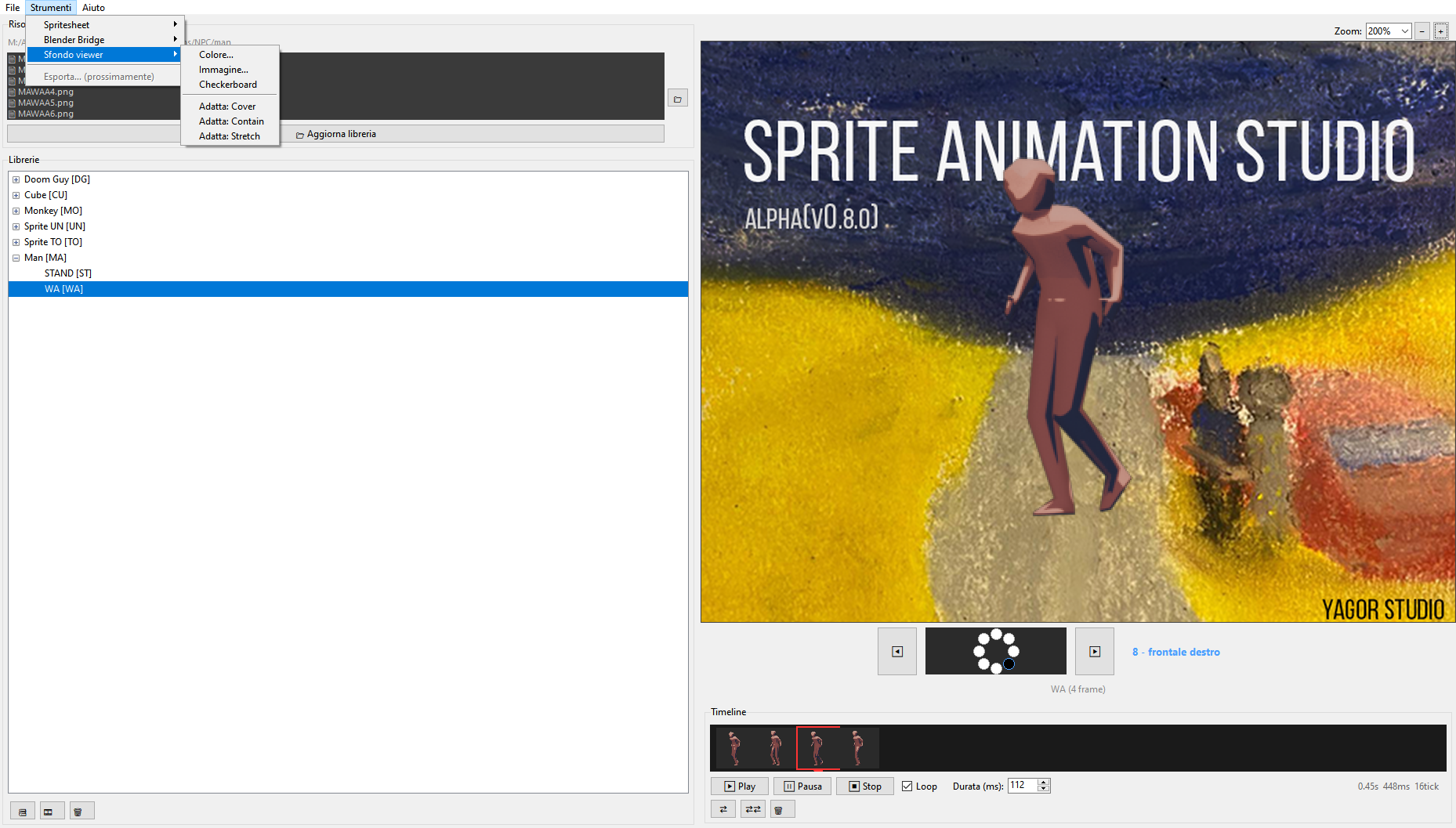
Now at v0.8.X — the project stopped being "just a viewer" this update.
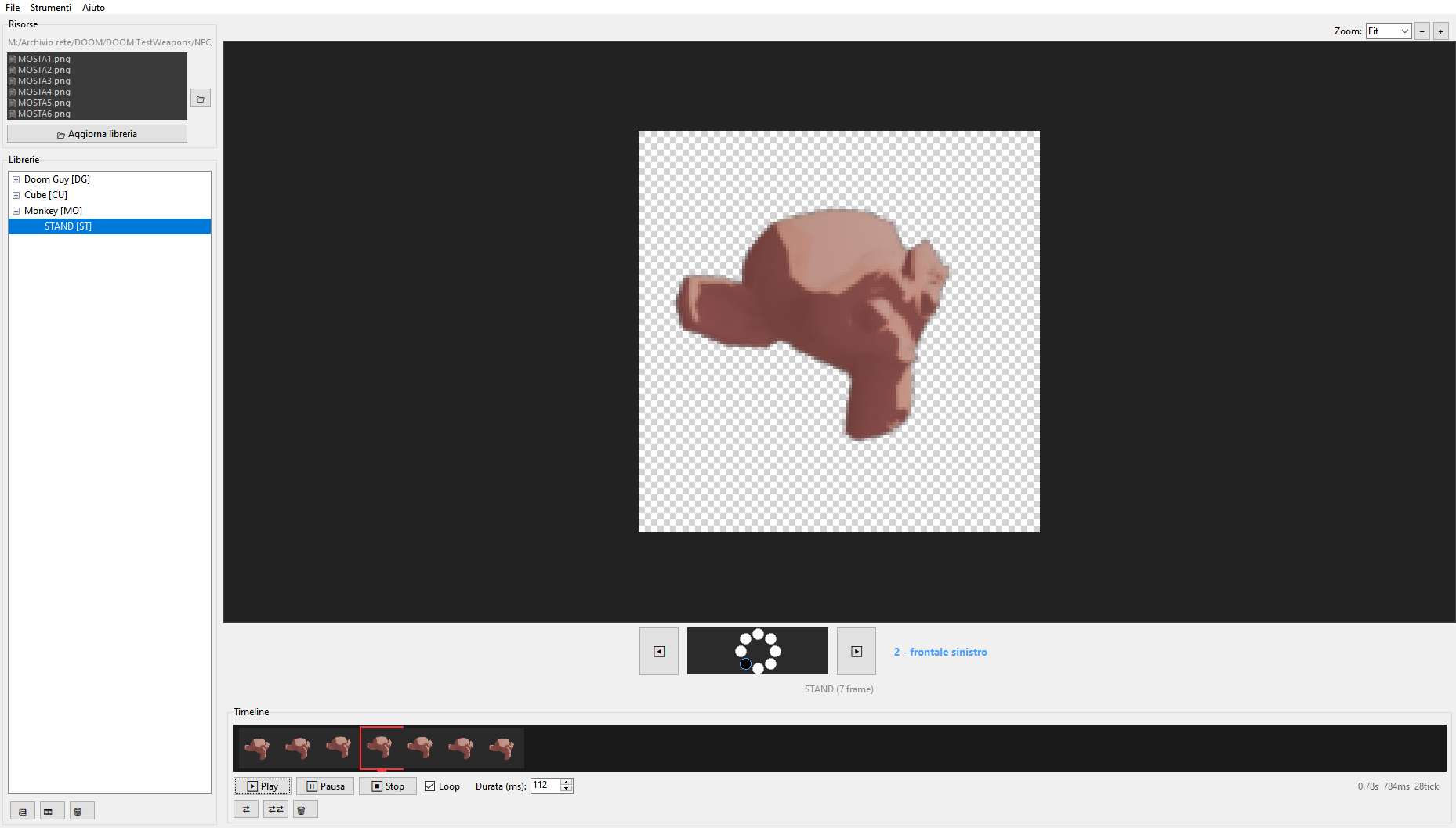
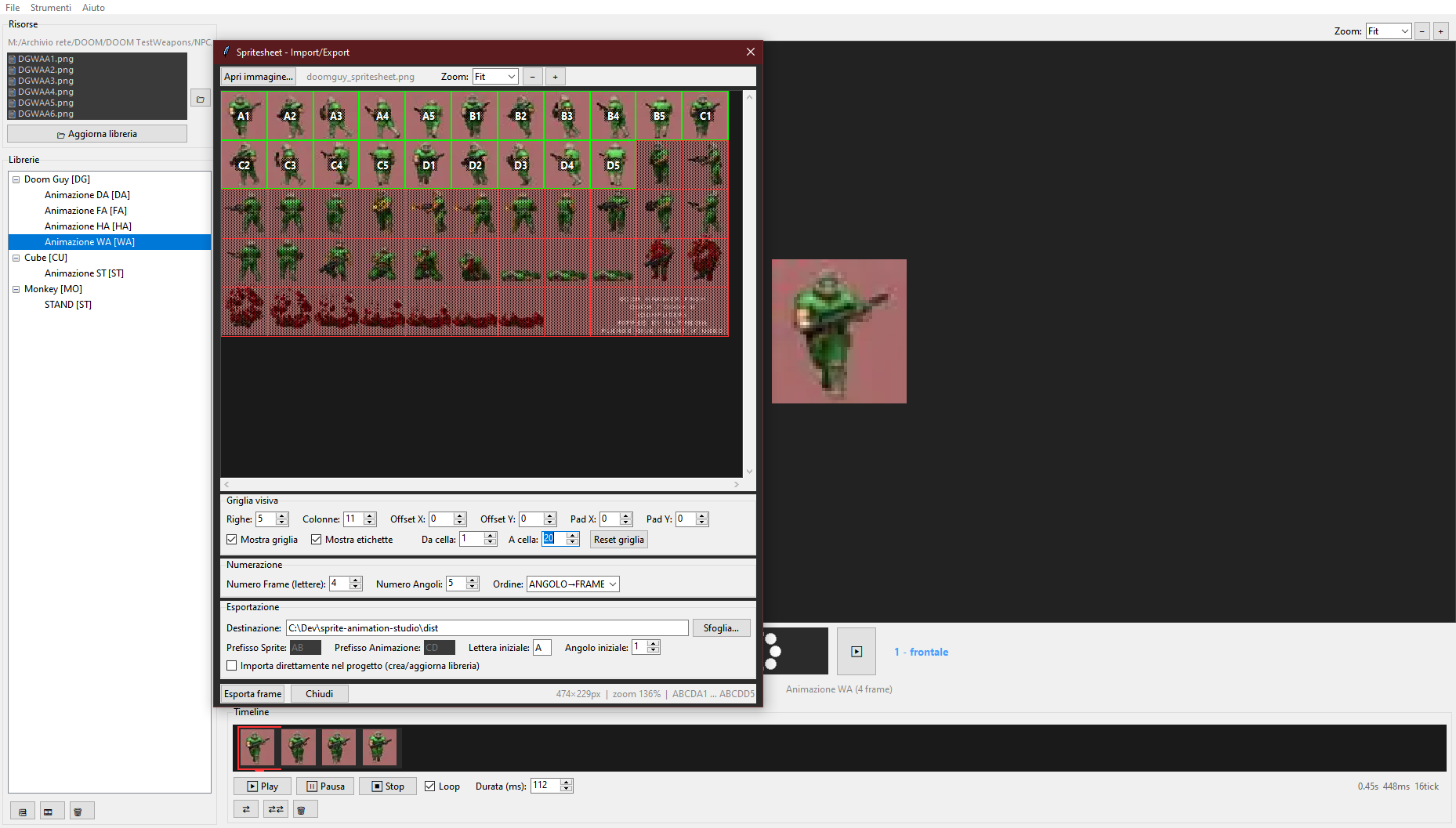
What it does right now: — Timeline-based animation management, with Undo/Redo (Ctrl+Z / Ctrl+Shift+Z) — Sprite naming/frame handling built around Doom conventions — Blender Bridge: render 8 angles in Blender, watch them land in SAS's timeline automatically — live, while you tweak lighting/pose in Blender, or in one batch when you're done — Smarter saving: the title bar tells you when you have unsaved changes, autosave only writes when something actually changed, and a small status indicator tells you if a save silently failed instead of just... not telling you — Windows build, no install required — just unzip and go
New in this update: — Undo/Redo with a configurable history depth — "Update library" no longer silently wipes your animations if a folder scan comes back empty or drastically smaller — it asks first — The Blender add-on ships in the repo now, not just "coming soon"
Coming soon (v0.8.3): — A proper trash for orphaned sprite files instead of deleting straight off disk — restore what you didn't mean to remove — More granular deletion (single angle, single letter, selection — not just "whole animation")
This is still very much a work in progress heading toward a 1.0 release. If you're modding Doom and animating sprites, I'd genuinely like your feedback — bug reports, weird edge cases, "why doesn't it do X" — all of it helps.
/ Sprite Animation Studio / Blender Addon (0.4.3) — Installation
1. Open Blender (3.6 or higher)
2. Go to Edit → Preferences → Add-ons
3. Click "Install…" at the top right
4. Select the file sas_sprite_renderer.py
5. Check the box next to "SAS Sprite Renderer" to activate it
6. In the 3D view, press N to open the sidebar
7. You'll find a new "SAS" tab in the right-hand sidebar
To uninstall: in the same Add-ons screen, click the arrow next to the name and choose "Remove".
Download
Click download now to get access to the following files:
Development log
- UPDATE v0.8.21 day ago
- UPDATE 0.4.3 [BLENDERaddon]2 days ago
- UPDATE v0.8.X3 days ago
- UPDATE v0.7.X6 days ago
Leave a comment
Log in with itch.io to leave a comment.